
DevHub · Features
Activity
Activity is the log of every MCP tool call that reached DevHub. It stays on your computer. Use it to see what agents did, to find an error that keeps coming back, and to check how much traffic a client causes.
What you see
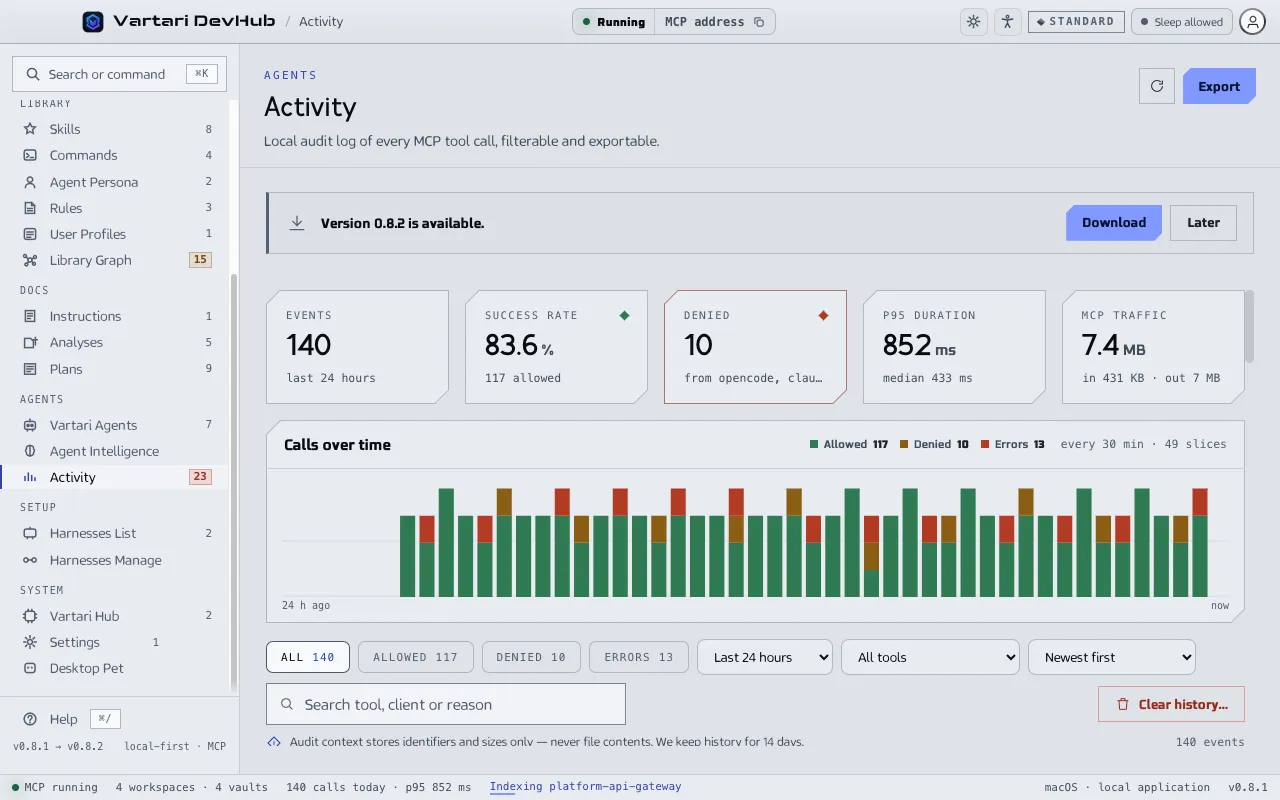
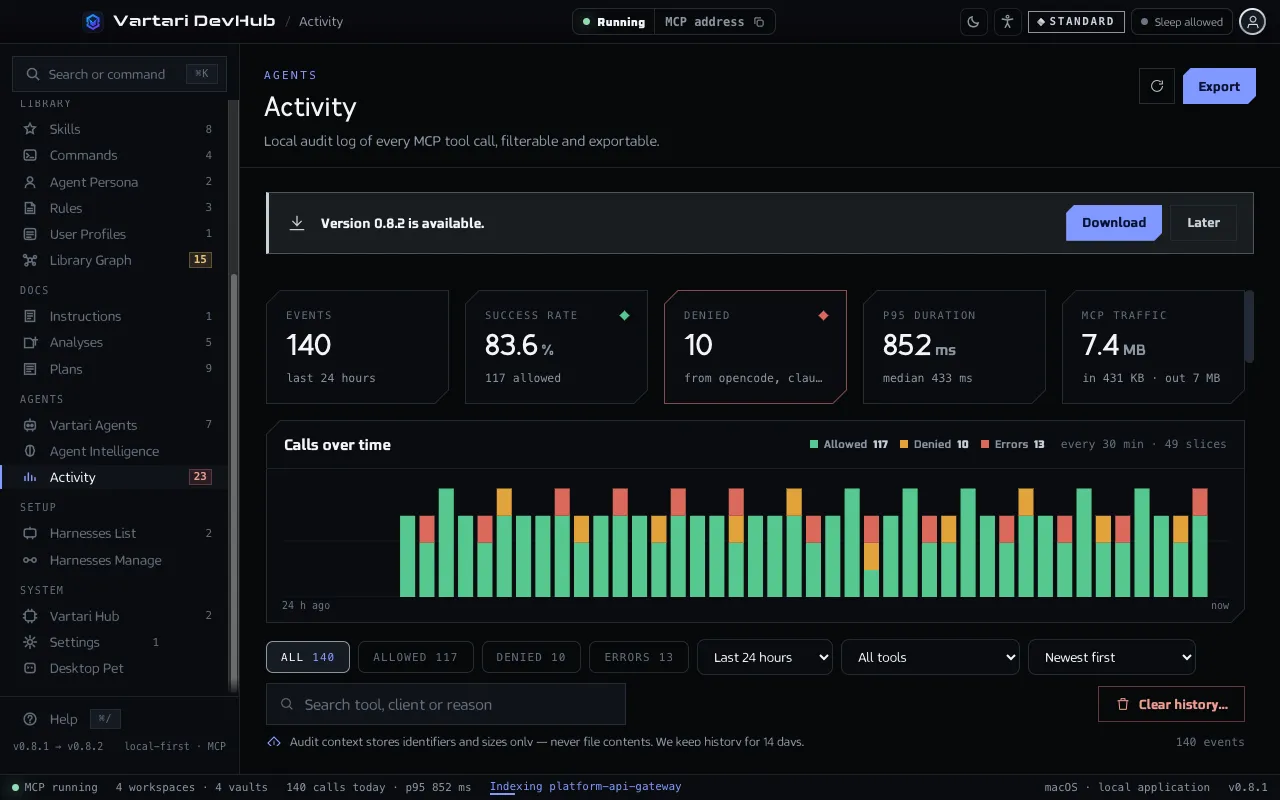
Section titled “What you see”- Tiles: Events, Success rate, Denied, p95 duration and MCP traffic.
- Calls over time, a chart of the chosen range.
- A table with the time, tool, client, result, duration, the size of the request (In) and of the response (Out), and the reason when a call failed.
Filter by result (All, Allowed, Denied, Errors), by time range (last hour, 6 hours or 24 hours) and by tool. Search by tool, client or reason, and sort by newest or by the largest traffic. Click a row for the request detail, with a button to copy it.
What is kept
Section titled “What is kept”For each call DevHub keeps identifiers and sizes: the time, the tool, the method, the client and its version, the result, the duration, the size of the request and of the response, an estimate of tokens, and for a failure its category and a safe reason. The detail also names the MCP folder or the vault the call concerned.
What is never kept
Section titled “What is never kept”Request and response bodies are never stored, and neither are file contents. The log says how big a call was, not what it said.
How long, and how to clear it
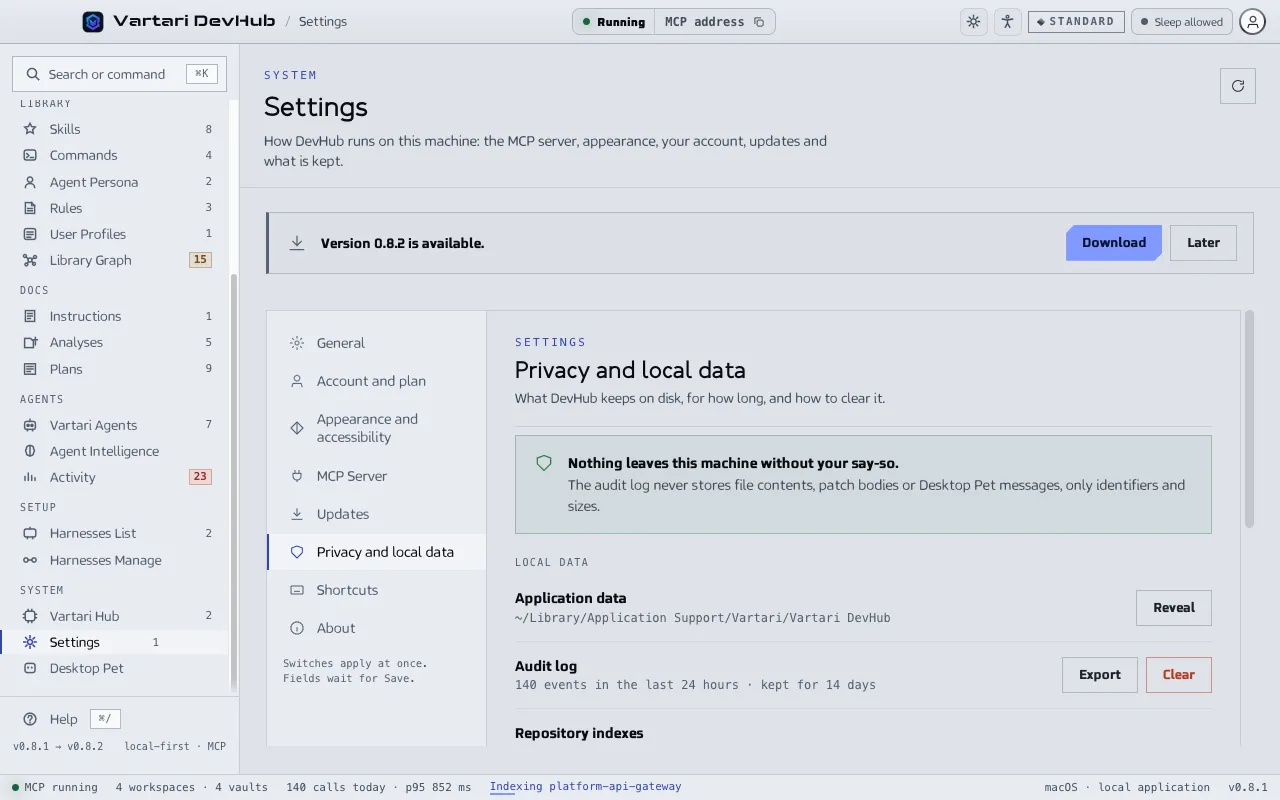
Section titled “How long, and how to clear it”The page says how many days history is kept, and older entries are removed. Clear history… deletes every recorded call after you confirm; exports already saved are not affected. Clearing and the removal of old entries each leave a short record that history was deleted. Export saves the log as a file. Both are also in Settings under Privacy and local data.