

DevHub · Features
Dashboard
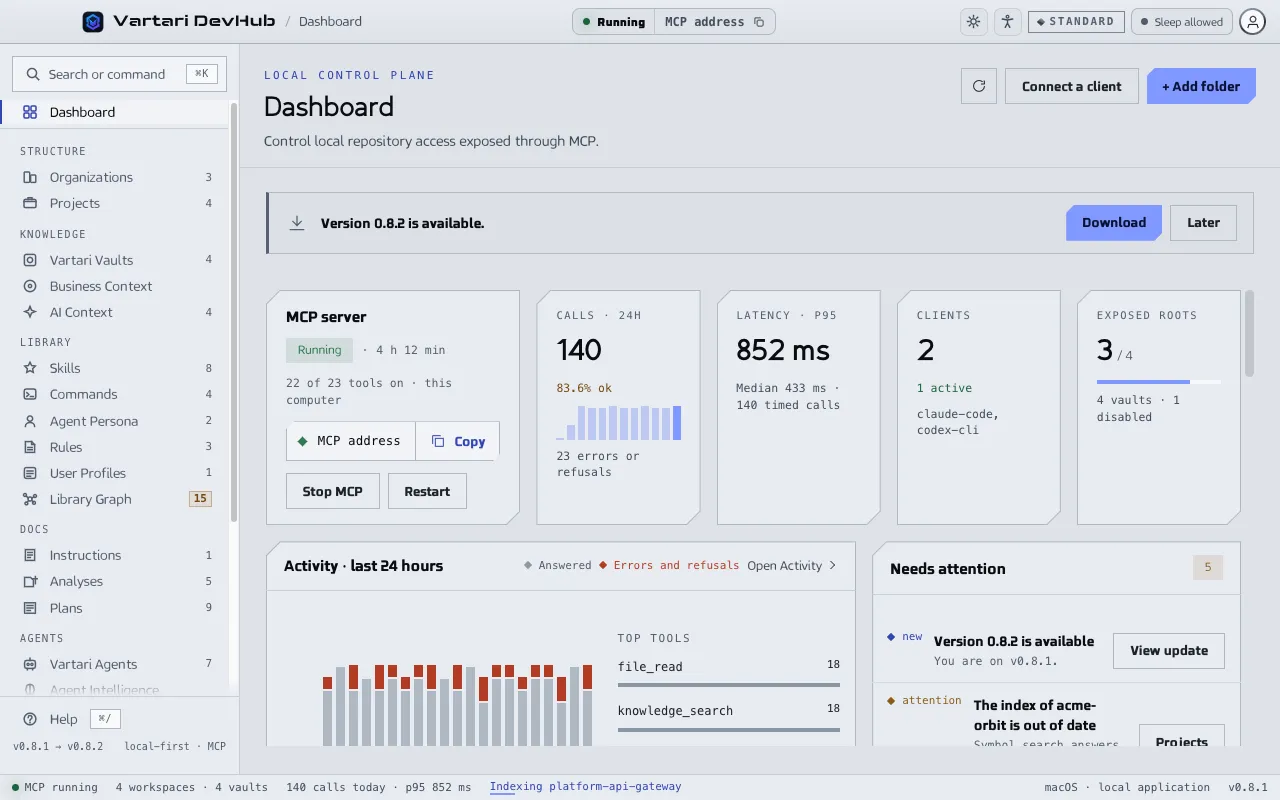
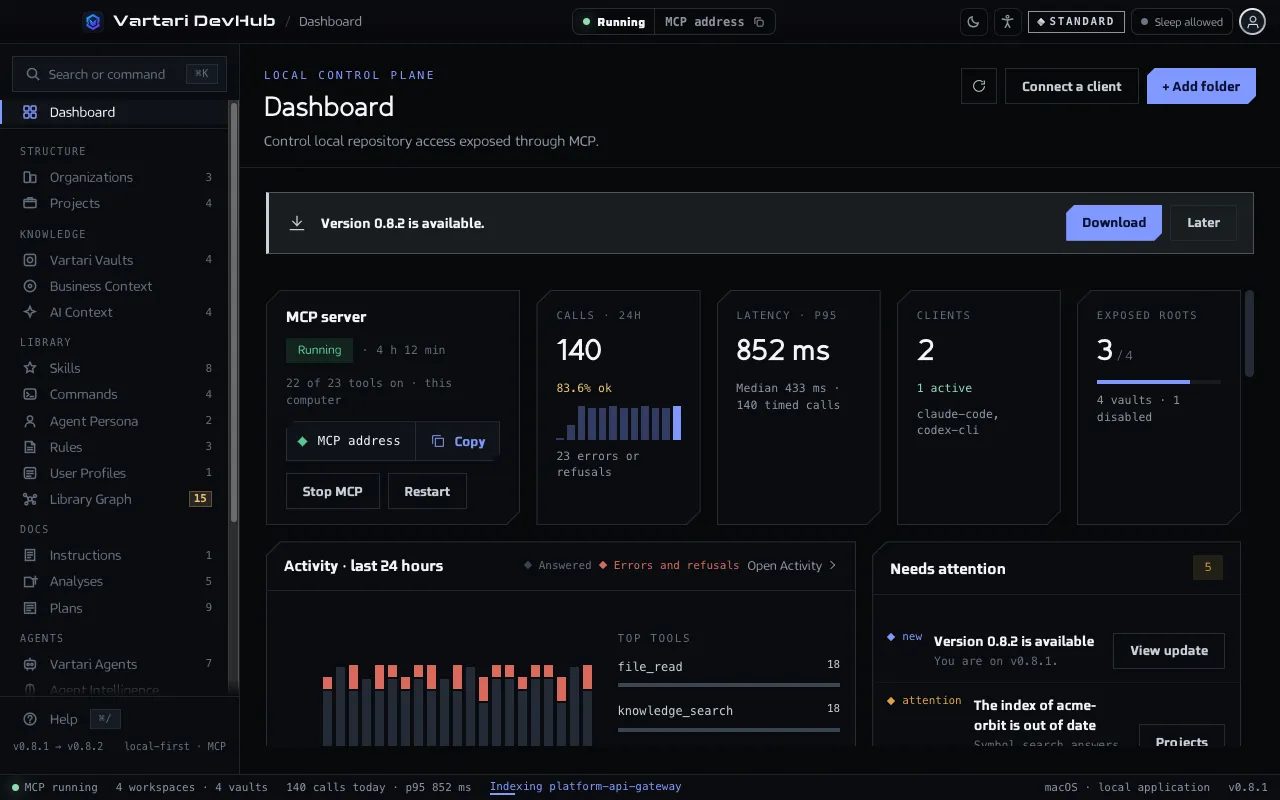
The Dashboard is the first screen after you sign in. It shows whether agents can reach DevHub, what they did in the last 24 hours and what needs you. Everything on it comes from this computer.
When to use it
Section titled “When to use it”- To check that the MCP server is running before you start an agent.
- To see that an agent’s call arrived, and how it ended.
- To find out why an agent cannot reach something: a stopped server, a folder DevHub cannot open, an out-of-date index.
What is on it
Section titled “What is on it”- MCP server. The status (Running, Stopped, Error), how long it has been running, the buttons to start, stop or restart it, and the field to copy the MCP address. Four numbers sit beside it: Calls · 24h, Latency · p95, Clients and Exposed roots.
- Activity · last 24 hours. A chart of the calls, answered and refused, and Top tools. Open Activity goes to the full list of calls.
- Needs attention. Problems and open decisions: a stopped server, a folder that cannot be opened, an out-of-date repository index, a proposal from Agent Intelligence waiting for approval, an available update. When nothing needs you, it says “Nothing needs you right now.”
- Quick actions. Add folder, Add vault, Connect a client, New skill, New agent, New plan.
- Repositories and vaults, Index health, Library, Agents and Recent runs: a count of what is set up and its state.
- Live MCP activity and Connected clients: the latest requests with time, tool, target, result and duration, and the clients seen in the last 24 hours.
- Your plan and This computer: your Vartari plan, Keep Awake, updates and the Desktop Pet voice.
Check that a call arrived
Section titled “Check that a call arrived”- Open Dashboard. The MCP server card says Running.
- Run a task in your AI client that uses DevHub.
- Watch Calls · 24h go up and the tool names appear under Top tools.
- Click Open Activity to see each call with its result.
A call that failed or was refused shows in Needs attention with the last tool name. Click Activity there to see it.