

DevHub · Features
Library
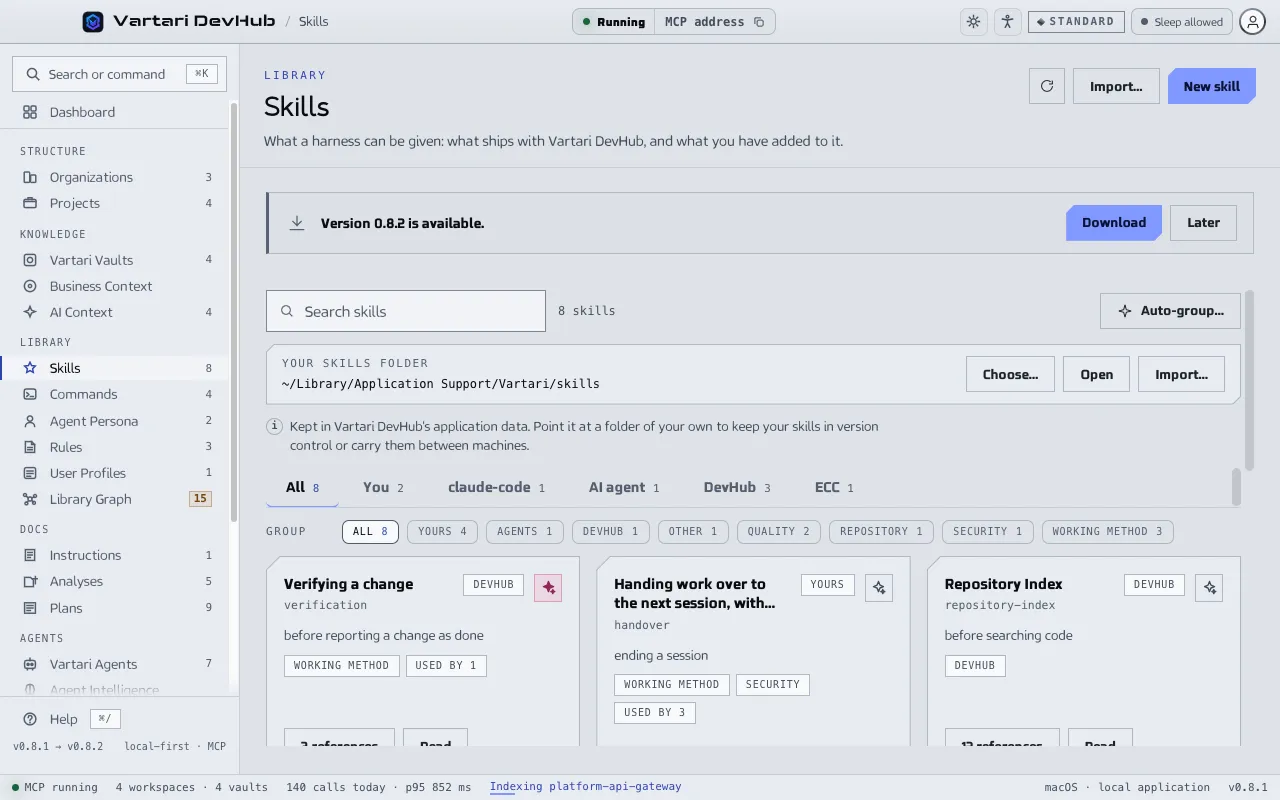
The library is what you can give an agent to know and to do. It sits in the Library group of the sidebar, with one screen for each kind. All organizations share it. A sixth kind, Instructions, has a page of its own.
The kinds
Section titled “The kinds”- Skills: guidance an agent opens when the work calls for it. A skill can carry code beside it; it only runs if you allow scripts for that agent.
- Commands: procedures called by name, by you with
/nameor by an agent. A command takes arguments and can put on a role to do the work. It costs nothing until it runs. - Agent Persona: a role an agent is built from. It says how to work, not which tools to use; the tools are worked out when the agent is built. Not read in every session.
- Rules: documents the client attaches on its own when the files being worked on match a path mask. A rule with no path mask applies everywhere.
- User Profiles: what one installation carries, named once. You pick a profile on Harnesses Manage instead of ticking skills one at a time.
Where an entry comes from
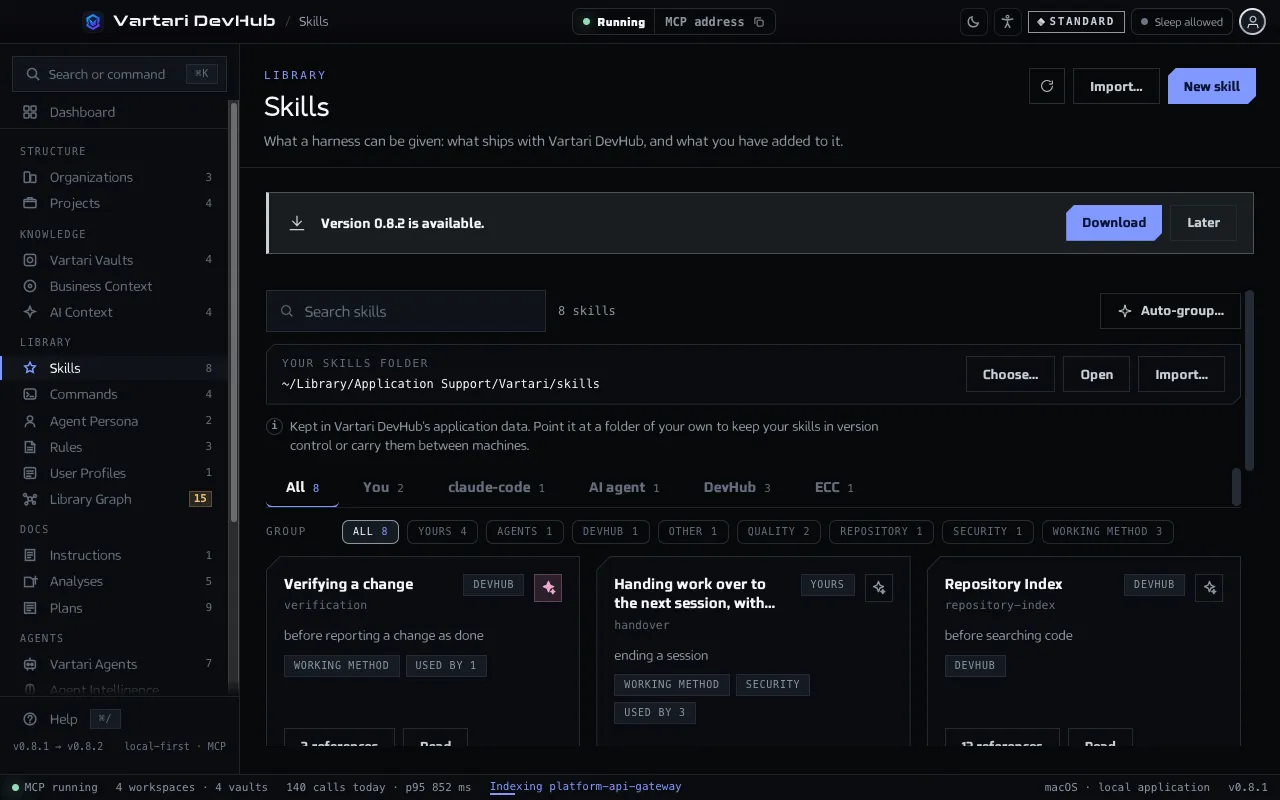
Section titled “Where an entry comes from”Each entry says whether it ships with DevHub, is yours, was imported from a source, was written by someone, or was learned by an agent. Skills are kept in the application data of DevHub. On the Skills screen you can point them at a folder of your own, to keep them in version control or carry them between computers. Changing the folder reads the new one; nothing is moved out of the old one.
Auto-group… on the Skills screen asks the model assigned to the job where each skill belongs. If no model is assigned, its tooltip says so. It works one skill at a time and saves each answer, so you can stop and keep what is done.
Profiles and the context budget
Section titled “Profiles and the context budget”A profile card shows how many tokens it puts into every session and whether that is within the norm, heavy or over the budget. The router of a profile is meant to stay under 900 tokens. A heavier profile costs that much in every session in every folder that uses it, whether or not anything is opened. Move lines to a reference, or name fewer skills.
Library Graph
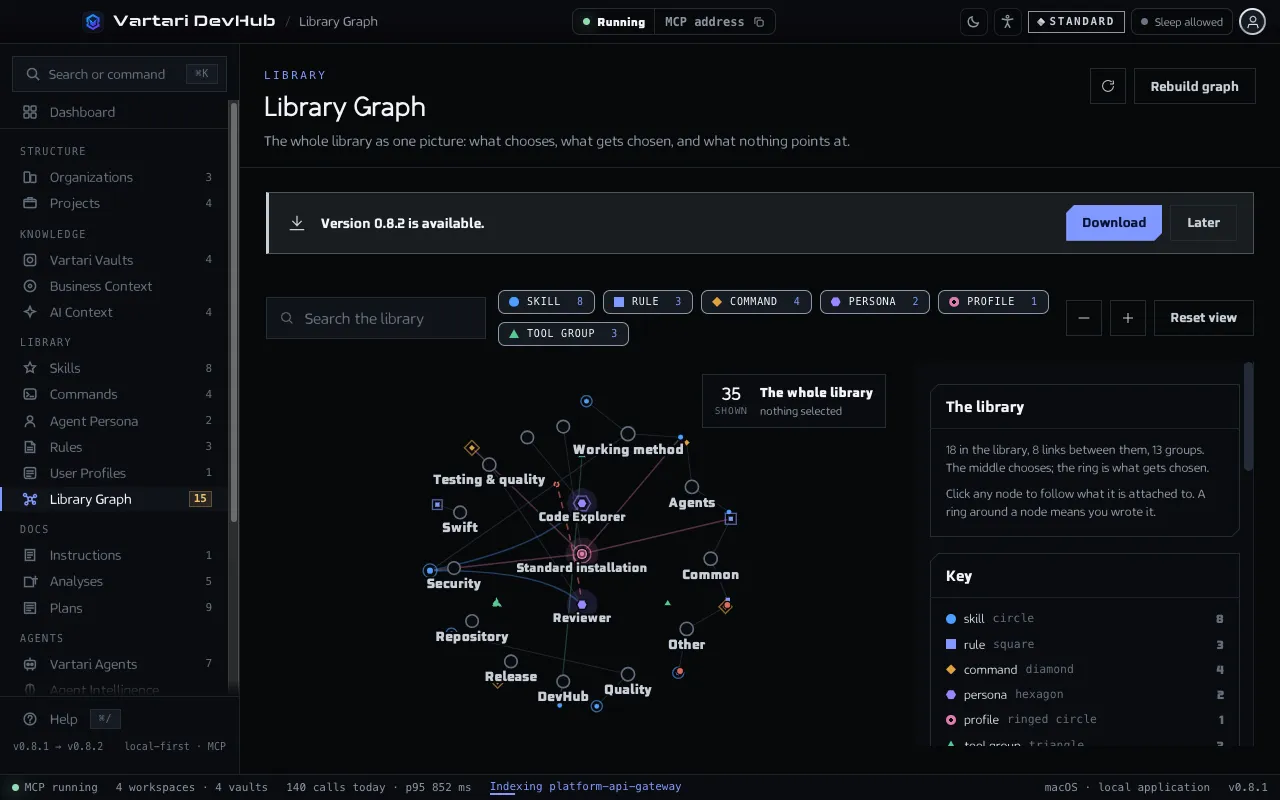
Section titled “Library Graph”Library Graph draws the whole library as one picture. Profiles and personas are in the middle, what they choose is on the ring, and a ring around a node means you wrote it. Click a node to see what it names, what names it and where it is managed.
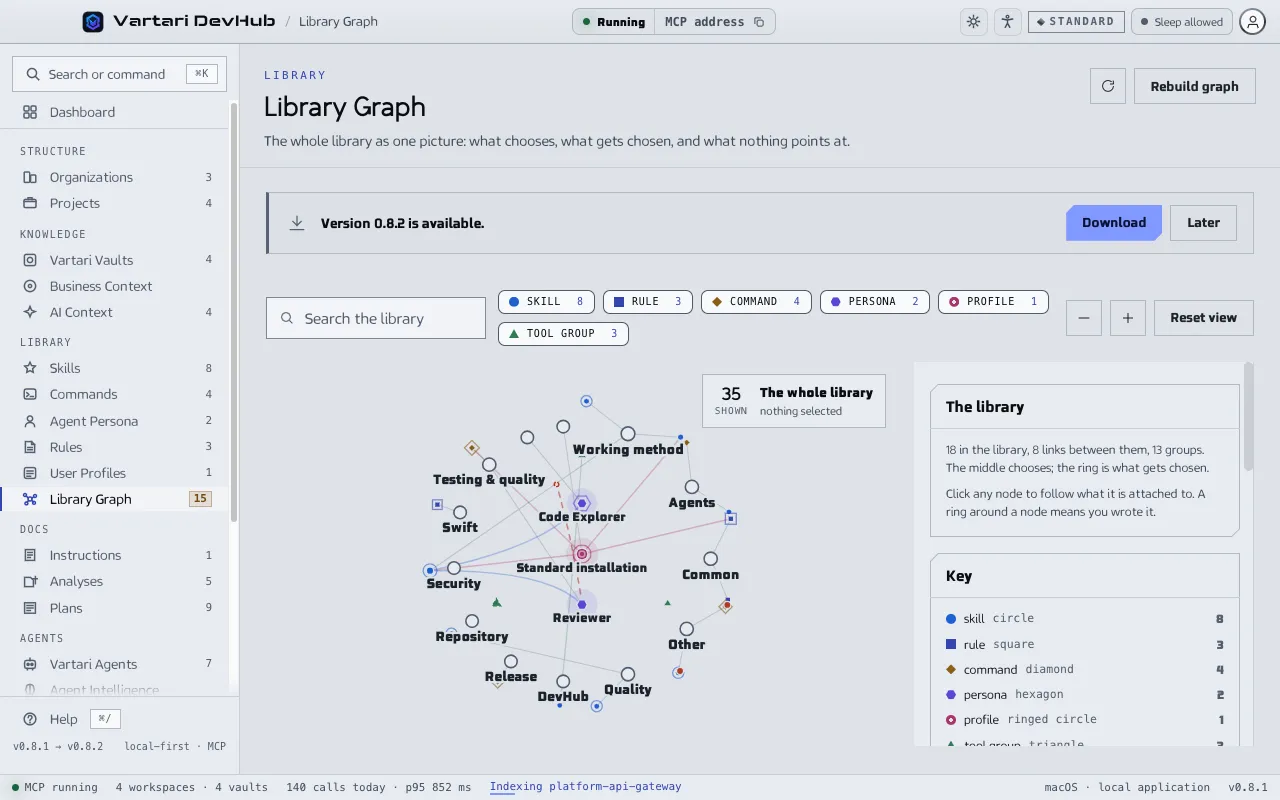
The graph also lists gaps:
- Named, and not in the library: something points at an entry that does not exist. A call goes without it, silently. Create the entry or remove the name.
- Nothing names it: written, and never chosen by a persona or a profile.
- Needs a tool that is off: it ships with DevHub, needs a tool group where everything is switched off, and is left out of every bundle. Tools are switched in Settings.
Use it from an agent
Section titled “Use it from an agent”An agent reads the library with library_list and library_get, naming the kind it wants. Reading changes nothing in the folder. Writing goes through the same stores as these screens, but a new entry changes no installation until it is switched on.