

DevHub · Features
Agents
An agent is a persona made runnable: the client that does the work, the repository it works in and the Agent Intelligence it reads and writes. DevHub starts the client only when you ask. Nothing is installed in the client itself.
One role, one agent
Section titled “One role, one agent”Make one agent for each role, not one for each model. An agent has one client and a default model and effort. It also has a list of other models and efforts it may be called with, each with a note on when to choose it. Whoever runs the agent picks from that list. Anything outside it is refused, and the refusal names the allowed combinations.
Create an agent
Section titled “Create an agent”Open Vartari Agents in the Agents group of the sidebar and click New agent. The dialog has four steps.
- Who: a persona, an optional name and a short label for the role. Under What it carries you see what the persona names, plus what you add and minus what you take away. A skill added to the persona tomorrow still reaches the agent.
- Where: the client that does the work, its default model and effort, the repository it works in (the only folder it can see) and how its material is delivered. What it may do sets the sandbox, the time limit, whether it gets the Vartari DevHub tools and whether its skills may bring scripts. Everything there is a permission handed to another program, started with the rights of the application. Every run is written into the log with what it was given.
- Memory: the Agent Intelligence it reads from before it starts, and the one it writes learning to. The same one in both is the ordinary case. Two different ones let you try a new intelligence without its findings landing in the store the rest rely on.
- Summary: check it and click Save agent.
The sandbox is read-only unless you say otherwise. The process enforces it, not a file the agent could ignore.
The team
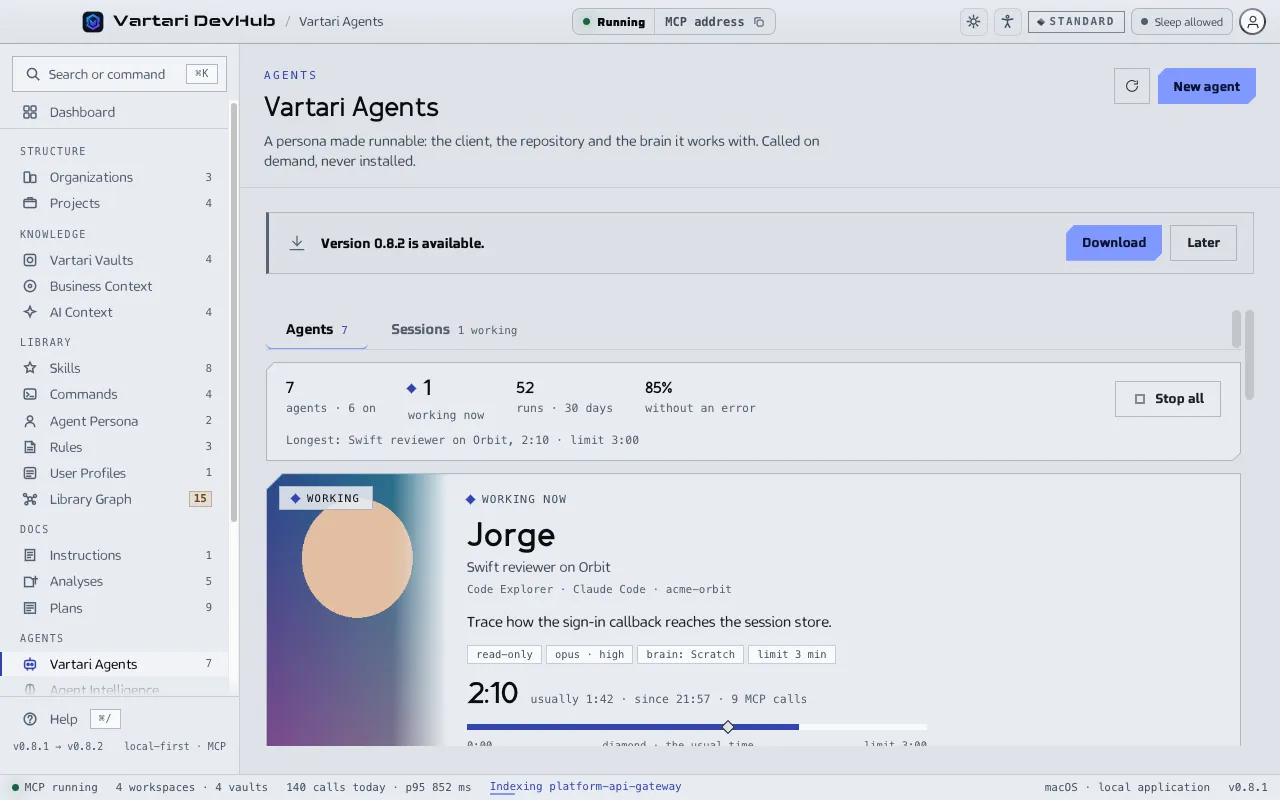
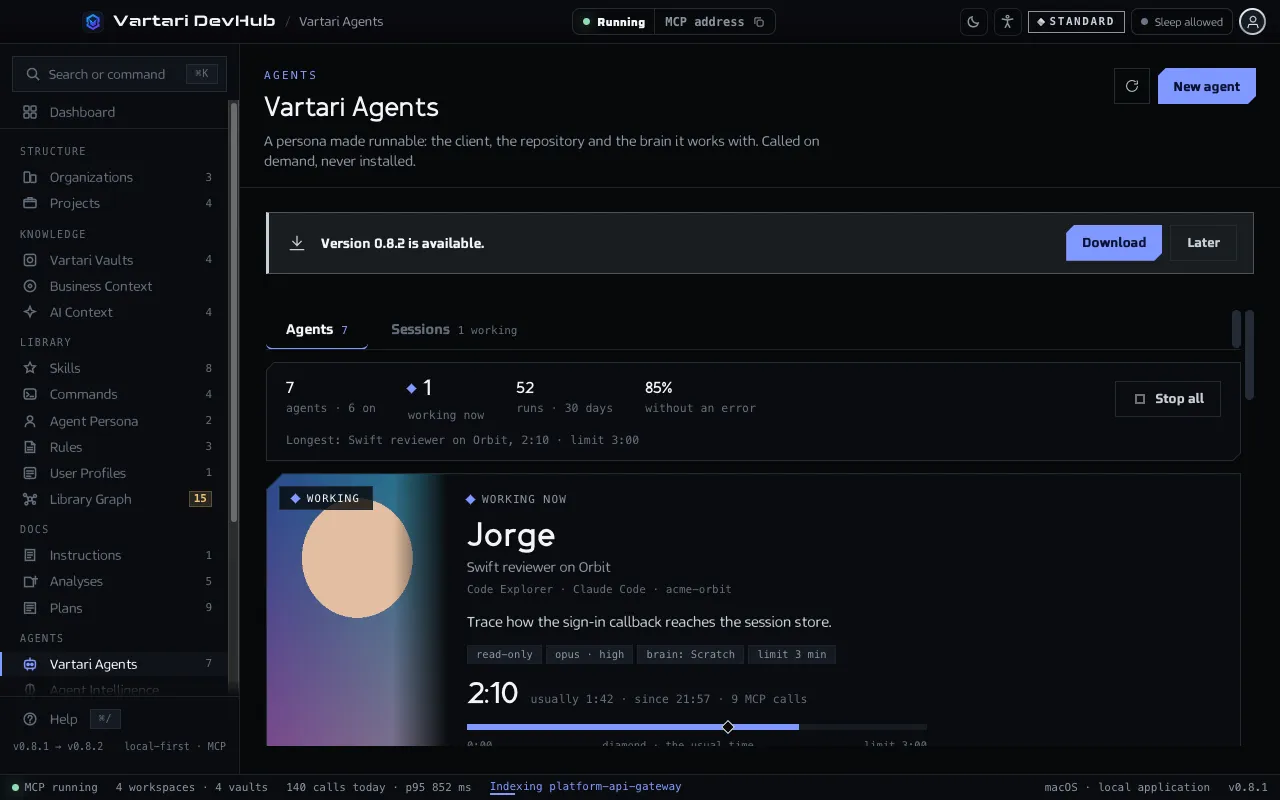
Section titled “The team”The screen shows a Gallery or a List of agents, grouped as Working now, Ready, Needs attention and Off. The header counts agents, runs in 30 days and the share without an error. Search and filter by organization, repository, client or persona. The diamonds of an agent are its last runs; higher means longer.
On a row: Run…, Switch off or Switch on, Edit and a menu with What it gets, Duplicate, Change portrait and Remove. A switched-off agent cannot be started, over MCP either. Remove deletes the agent and touches nothing it points at. An agent that points at something that is gone is marked.
Run an agent
Section titled “Run an agent”- Click Run… on the agent.
- Write What it should do.
- Tick May start other agents only if needed. It applies to this run alone, and the agents it starts cannot start more.
- Click Run it.
The card shows Working now with the elapsed time, how long such a run usually takes and the limit, and a live transcript. Stop ends a run. The client is stopped where it stands, and whatever it had not written down is lost. Stop all ends every run.
Sessions
Section titled “Sessions”The Sessions tab lists every run with its state: Working, Finished, Failed, Timed out or Stopped. Open one to see its transcript, view only, and its time, MCP calls, files changed and sandbox. Filter the lines by All, Calls, Writes, Messages and Errors. Keep finished sessions controls whether they are kept. For some clients no live view is available, and the page says so.
Agents over MCP
Section titled “Agents over MCP”An agent can be listed, created, changed and run through the tools agent_list, agent_create, agent_update, agent_run and agent_run_status. Listing also shows what can be chosen: clients with their models and efforts, personas, repositories and intelligences. A change that widens an agent (more models or efforts, write access, the DevHub tools, scripts, a memory, a longer time limit) switches it off, and the reply says what widened. You switch it back on.
An agent stays inside its own repository. Its audit tools show its own calls only.