

DevHub · Features
Desktop Pet
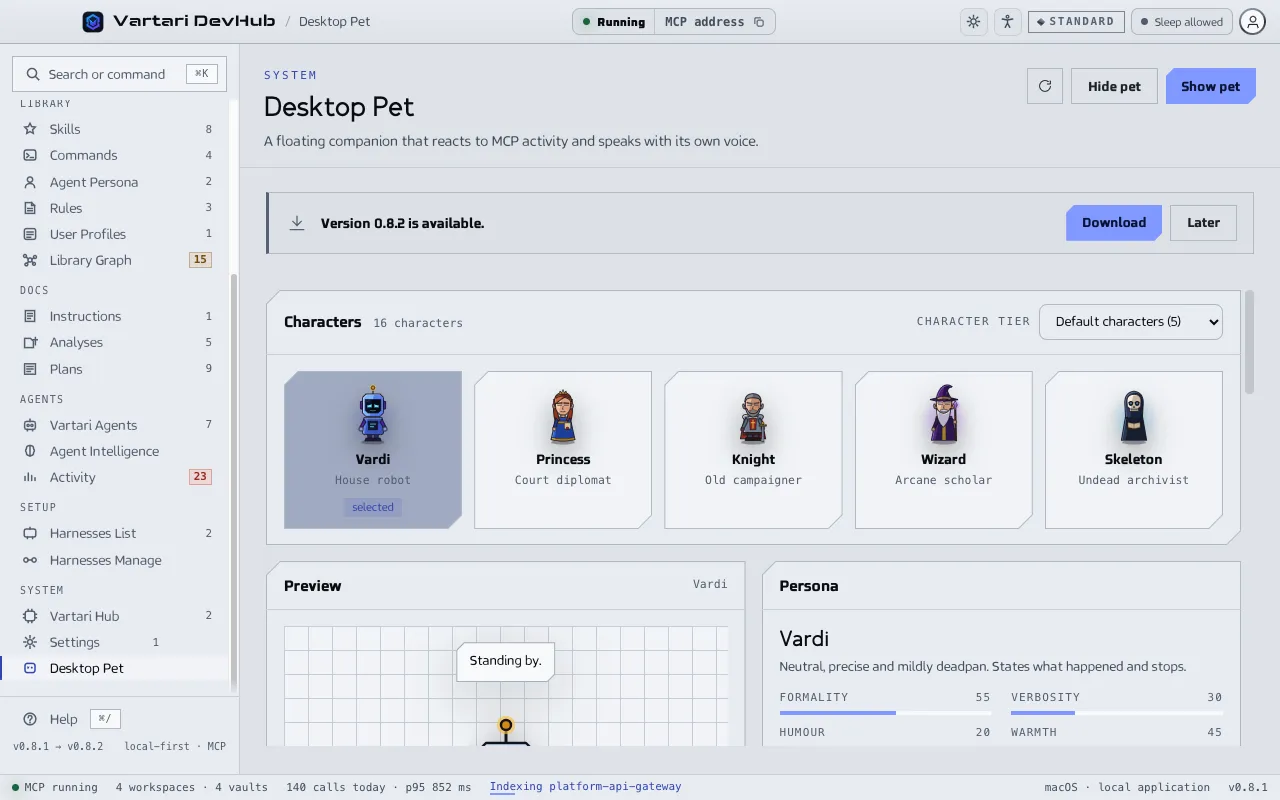
The Desktop Pet is a floating character that reacts to MCP activity and says what the agents are doing. It is in the System group of the sidebar.
Show the pet
Section titled “Show the pet”Click Show pet at the top of the screen, and Hide pet to hide it. Under Behaviour, Enable desktop pet turns it on or off. You can also Keep above other windows and Click through the pet, so clicks reach the window under it. Under Window choose the display, position and size, and Reset position if it is lost.
The pet is gone while the sign-in screen is up, and nothing brings it back until you sign in.
Choose a character
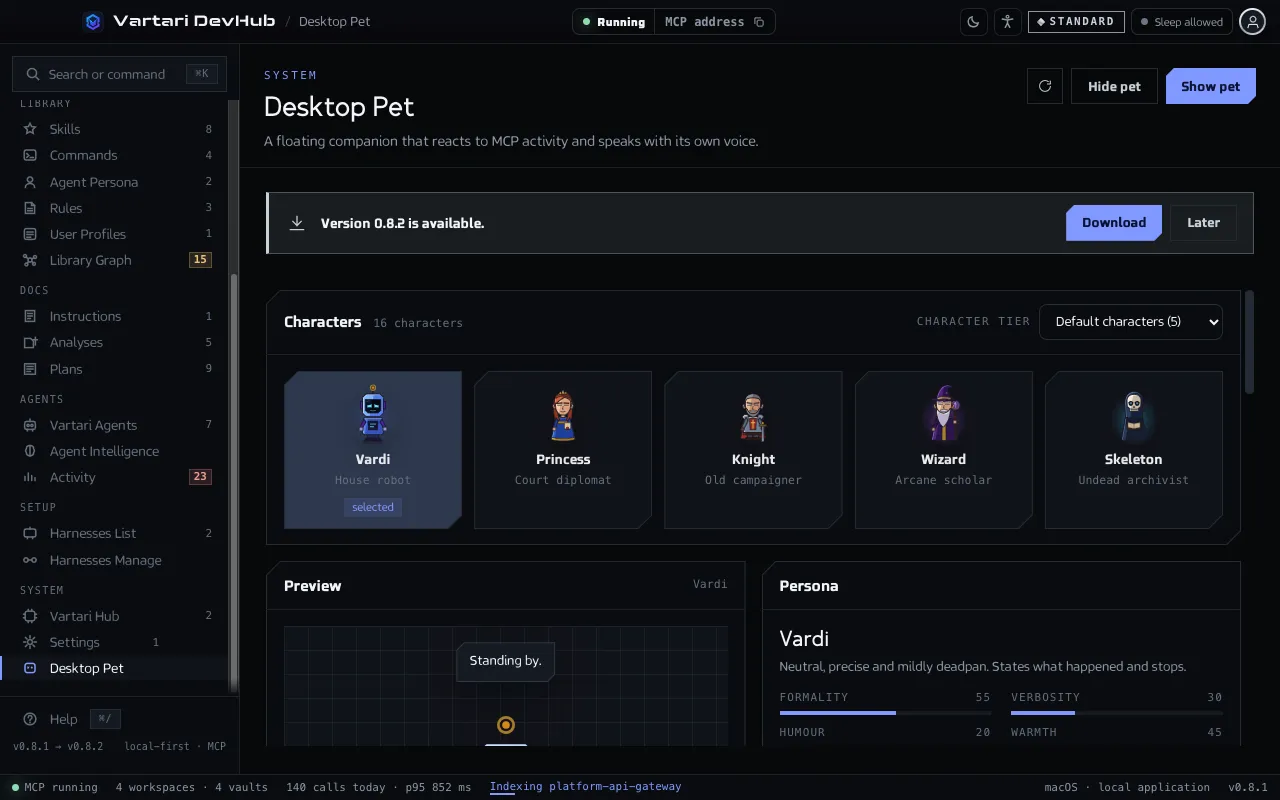
Section titled “Choose a character”The gallery has 16 characters in three groups, which you choose with Character tier: Default characters (5), Pro / Premium and VIP. The tier is a grouping of the gallery. Click a character to select it. The preview shows five moods: Idle, Working, Speaking, Happy and Error. Listen plays a sample line with sound.
Each character is a persona with a short role, a tagline, three traits and four voice values: Formality, Verbosity, Humour and Warmth.
What it says and when
Section titled “What it says and when”- Speak on: Session start and end, Denied or failed tool calls, Test and script results, Every tool call, Index build progress.
- Chattiness: Quiet, Balanced or Chatty.
- Return to idle after a number of minutes.
- Voice: Mute and Volume.
Recent pet messages lists what the pet said in this session of the application, with the time, mood, event and client. The list is not kept: the audit log never stores Desktop Pet messages.
The persona in agent replies
Section titled “The persona in agent replies”Scope is Pet only or Pet + agent. With Apply persona to agent replies on, Harnesses Manage writes the voice of the character into the instructions it generates, so the agent answers in that voice and not only the speech bubble does. Update an installation to carry a change.