DevHub · Reference
Keyboard shortcuts
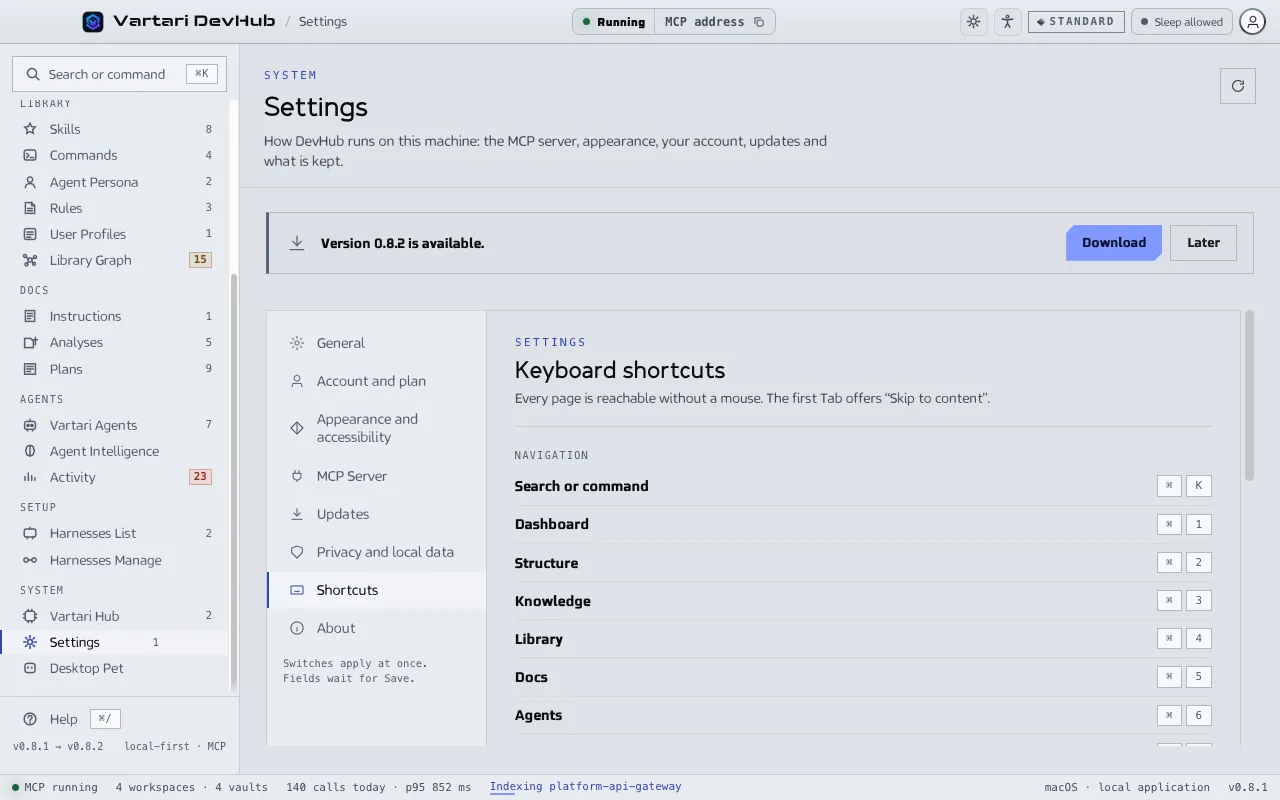
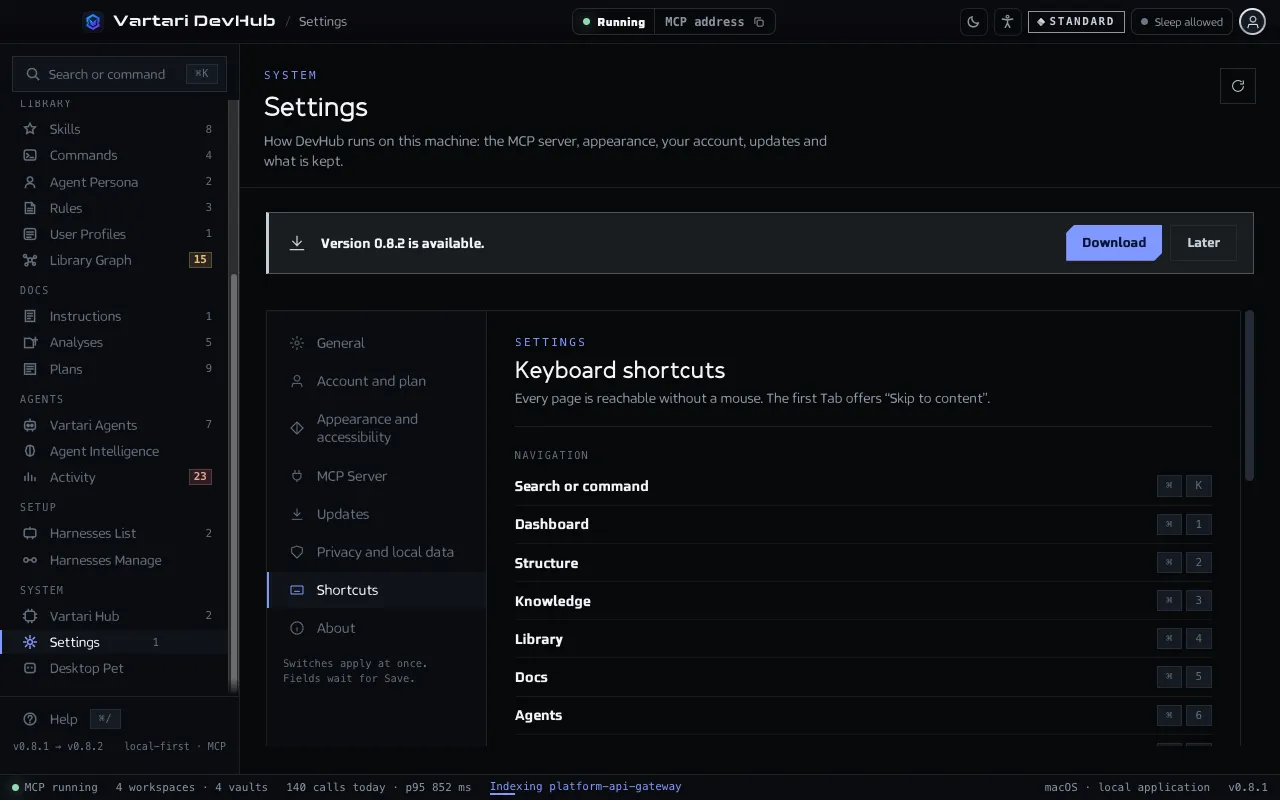
The same list is in Settings > Shortcuts. On Windows and Linux, ⌘ is Ctrl and ⌥ is Alt. Digits do not act while the cursor is in a text field, where a digit is text.
Navigation
Section titled “Navigation”| Keys | Action |
|---|---|
| ⌘K | Search or command: open the command palette |
| ⌘1 | Dashboard |
| ⌘2 | Structure: Organizations |
| ⌘3 | Knowledge: Vartari Vaults |
| ⌘4 | Library: Skills |
| ⌘5 | Docs: Instructions |
| ⌘6 | Agents: Vartari Agents |
| ⌘7 | Setup: Harnesses List |
| ⌘0 | Dashboard |
Each digit opens the first page of a group of the sidebar. The System group has no digit: Settings is on ⌘, and its other pages are one click away.
Window
Section titled “Window”| Keys | Action |
|---|---|
| ⌘, | Settings |
| ⌘S | Save settings (in Settings only) |
| ⌘\ | Fold or unfold the sidebar |
| ⌘/ | Keyboard shortcuts |
| ⌘ ⇧ R | Restart the MCP server |
| ⌘ +, ⌘ − | Interface zoom |
| ⌘ ⇧ +, ⌘ ⇧ − | Text size |
| ⌘ ⌥ 0 | Reset text size and zoom |
| ⌘Q | Quit DevHub |
The navigation shortcuts and ⌘/ act only when the main window is focused, or when no window is, for example when DevHub sits in the menu bar. They bring the main window forward. The Vault Viewer and the Repository Index are left alone.
Command palette
Section titled “Command palette”| Keys | Action |
|---|---|
| ↑ ↓ | Choose a result |
| ↵ | Open the chosen result |
| Esc | Close the palette |