

DevHub · Features
Business Context
Business Context searches the notes of your vaults. Ask about a capability, a business rule or an architecture decision, and it returns the notes that answer, with the vault and the path of each.
When to use it
Section titled “When to use it”- You want the reason behind a decision, or the rule, before you change something.
- You want to put the right notes in front of an agent. Add a result to AI Context with one click.
Agents search the same notes through the knowledge_search tool.
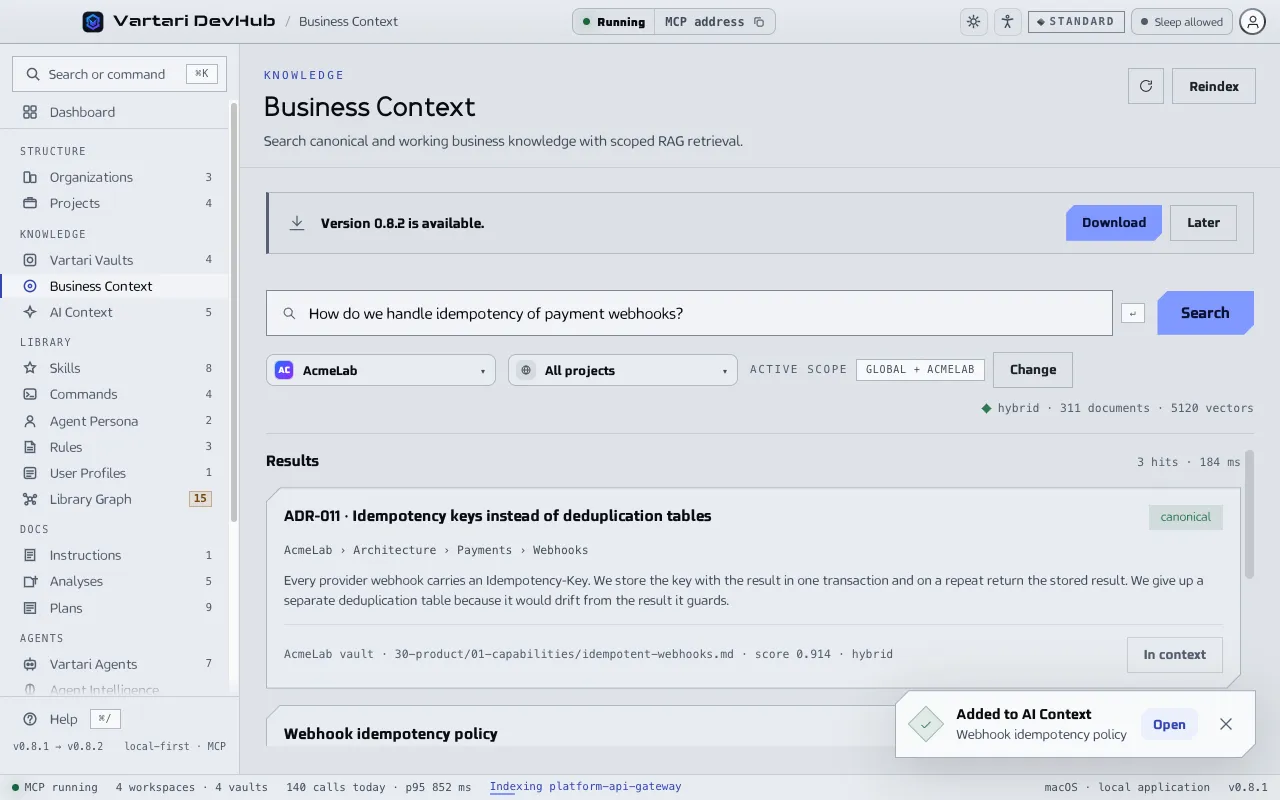
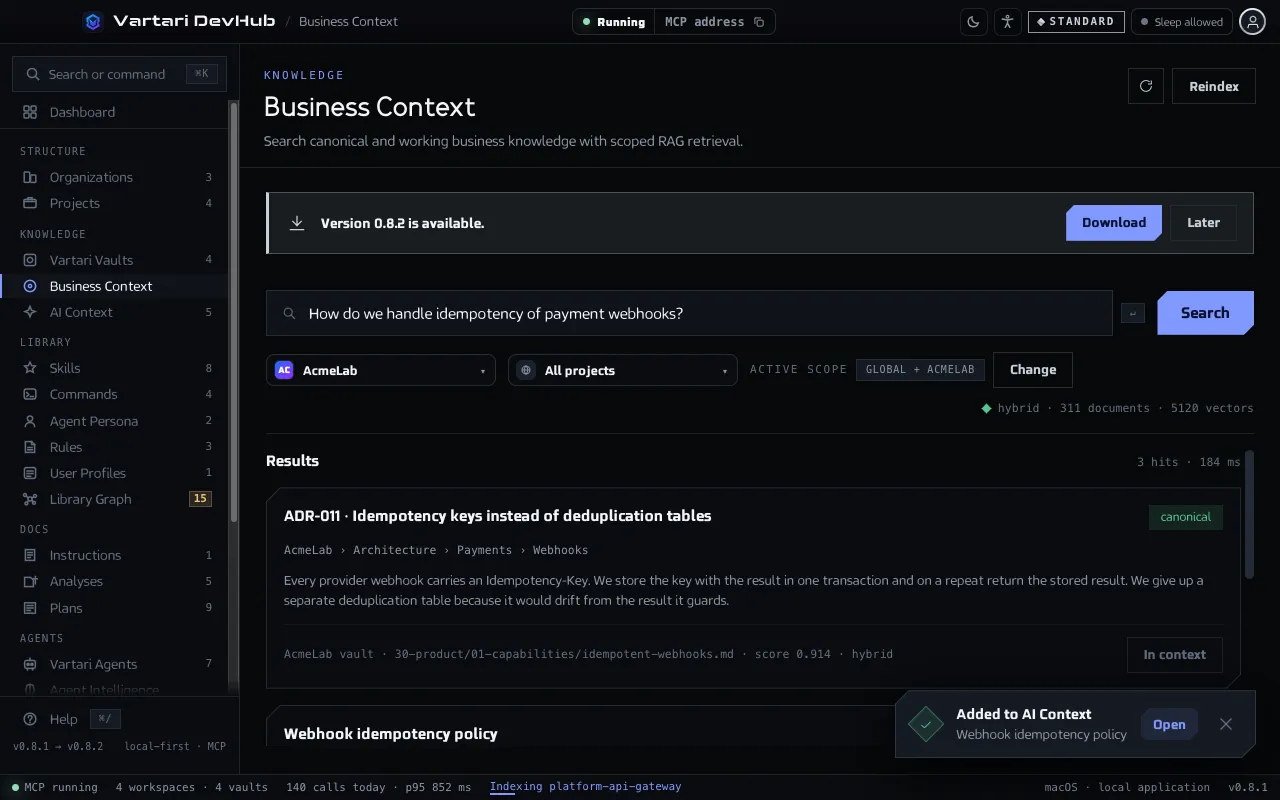
Search
Section titled “Search”- Open Business Context in the sidebar.
- If it says “No index yet”, click Build the index. It reads every vault DevHub knows about.
- Choose the organization and the project. The Active scope shows what is searched. “All organizations + All projects” cannot be searched, because Business Context never mixes organizations.
- Type your question and click Search.
- Each result shows its source (vault, path, score) and a label: canonical, reviewed working, working or superseded. Click Add to context to queue a note for an agent.
If there are no results, try other words or a wider scope.
How it finds notes
Section titled “How it finds notes”Business Context works by text: it matches the words of your question against the words of the notes. It needs no model. The line under the search box shows the state of the index, such as “text” mode and the number of documents.
Settings > MCP Server has Knowledge and RAG. If you set an embedding model there, DevHub also compares meaning, and the mode reads “hybrid”. When no model is available, search falls back to text.