

DevHub · Features
Settings
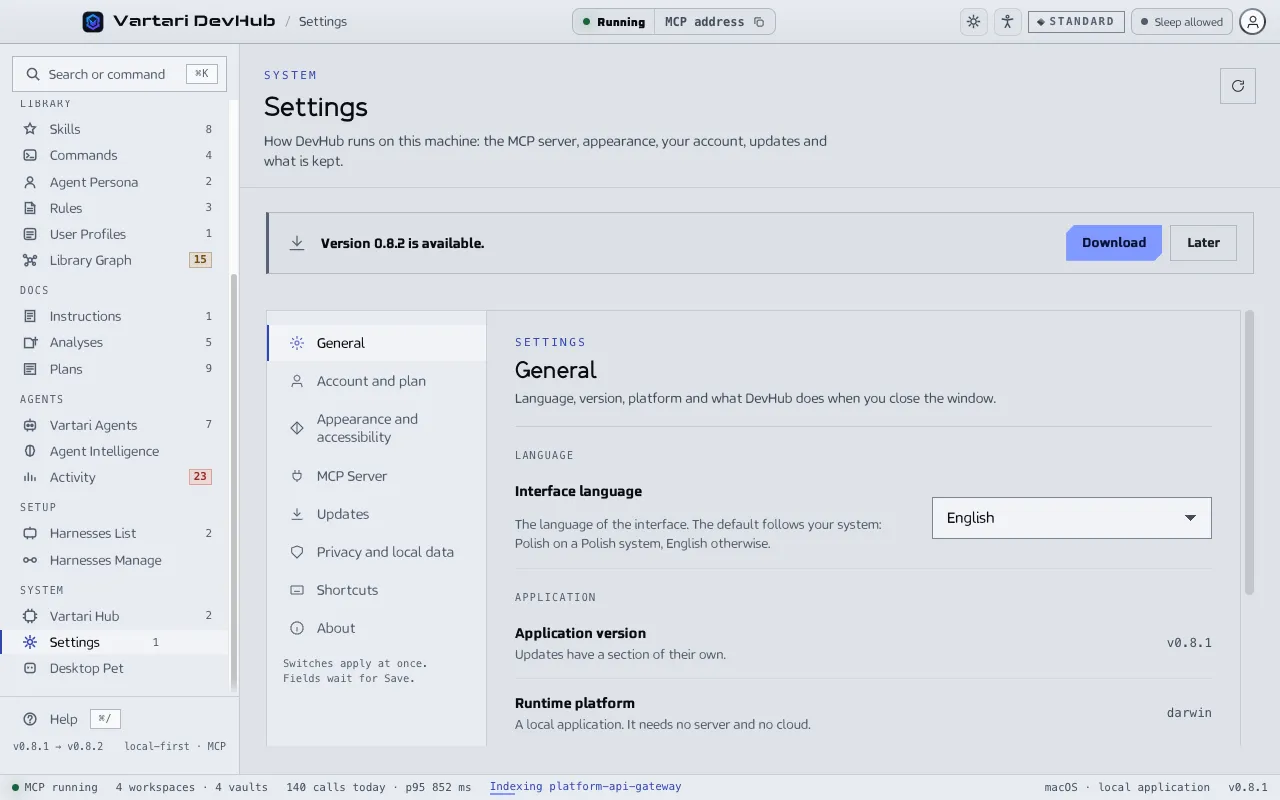
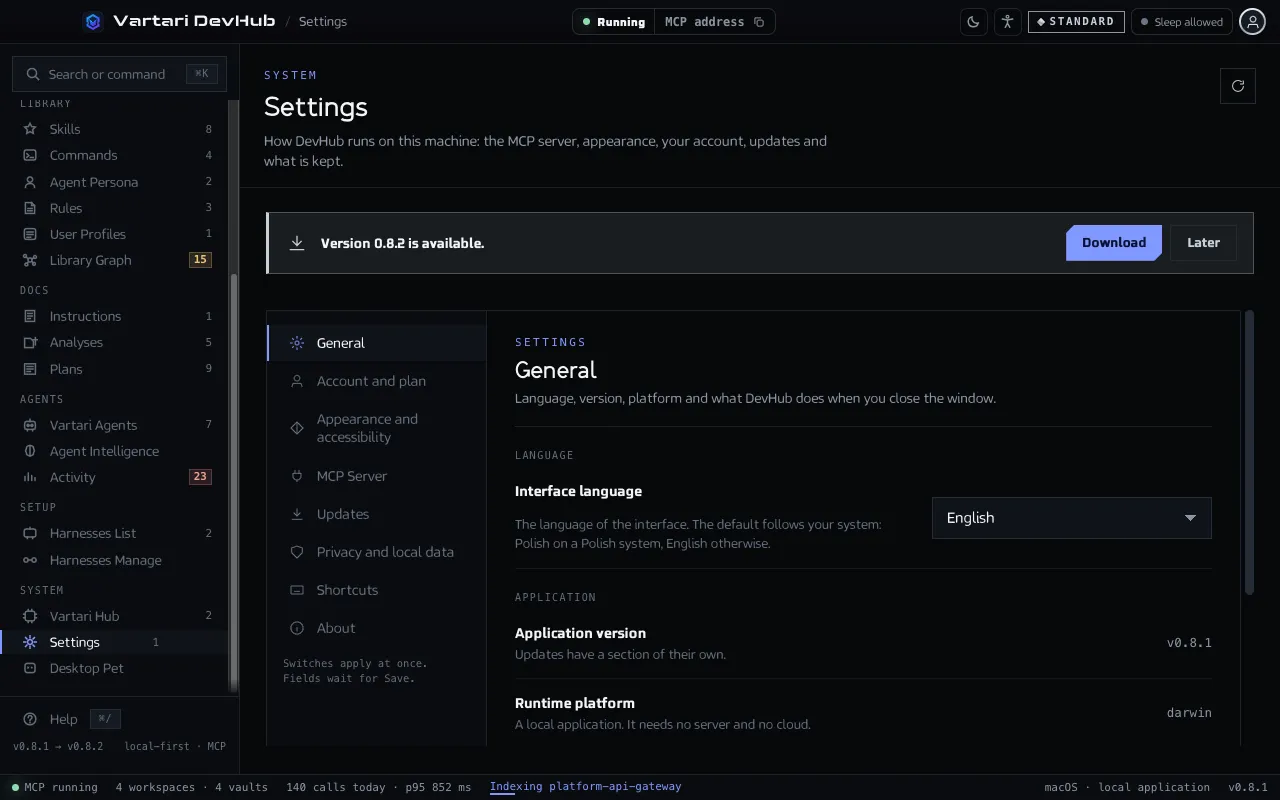
Settings is in the System group of the sidebar, and ⌘, opens it. It has eight sections in a list on the left. The full list of fields is in the settings reference.
How saving works
Section titled “How saving works”Switches apply at once. Fields wait for Save (⌘S). While a field has a change, the bar says Unsaved changes and offers Revert changes. If you leave Settings with unsaved changes in the MCP section, DevHub asks whether to discard them. Save and restart MCP writes the changes and restarts the server in one step.
The sections
Section titled “The sections”General
Section titled “General”The language of the interface: the system default, Polski or English. By default it follows the system: Polish on a Polish system, English on any other. The section also shows the version and the platform, and says that closing the window hides DevHub to the menu bar while the MCP server and agents keep working. Data, indexes and the audit log stay on this computer.
Account and plan
Section titled “Account and plan”Your Vartari ID account, your plan and the current session, with Refresh session, Sign out and Manage plan in Vartari ID. Sign-in methods are managed in Vartari ID. See Plans and tiers and Sign in with Vartari ID.
Appearance and accessibility
Section titled “Appearance and accessibility”Theme, font, text size, interface zoom, contrast, motion and link underlining. See Accessibility.
MCP Server
Section titled “MCP Server”How agents reach DevHub. The page of the MCP server explains starting and stopping. In Settings you set:
- whether the server starts with the application;
- the address and port of the server. Leave them as they are unless another program on your computer needs the port. The default address is this computer only, and the field warns that another address exposes it to the network;
- Allowed MCP tools: the switch for each tool, with the count of enabled ones;
- Knowledge and RAG: the model server and the embedding model for search by meaning, which can be left empty (see Vartari Hub);
- AI Context: the size the queue is measured against, as a warning on the AI Context page. The queue is never blocked;
- Folder access: repositories and vaults DevHub could not open, with Open Privacy & Security, Check again and Restart DevHub.
Show settings.json reveals the file where DevHub keeps these values.
Updates
Section titled “Updates”The release channel and when an update may download and install. See Updates.
Privacy and local data
Section titled “Privacy and local data”What DevHub keeps on disk, for how long and how to clear it. The section says that nothing leaves this computer without your say-so. Application data has Reveal. The Audit log shows how many events happened in the last 24 hours and how long they are kept, with Export and Clear. It never stores file contents, patch bodies or Desktop Pet messages. The Agent run log keeps one line per run: the client, the repository, what it was allowed to do and how it ended. Choose What to keep of the task: the first line with secrets scrubbed, only its length, or all of it with secrets scrubbed. Keep runs for (days) removes older entries by itself. However this is set, a run keeps the length of its task and a hash of it.
Shortcuts
Section titled “Shortcuts”Every keyboard shortcut, in groups. See Keyboard shortcuts.
The version, the channel, the platform and the runtime, and a link to the release notes. The Server row only says that the MCP endpoint is local.