

DevHub · Features
Plans
A plan is work for agents, divided into steps. A step can name the steps it waits for (its gates) and the files it touches (its scope). That is what lets several agents work on one plan at once: an agent takes a step, nobody else can, and a step that touches the same files as one in progress is refused.
When to use it
Section titled “When to use it”Use a plan for work longer than one commit. For a quick question to an agent, no plan is needed.
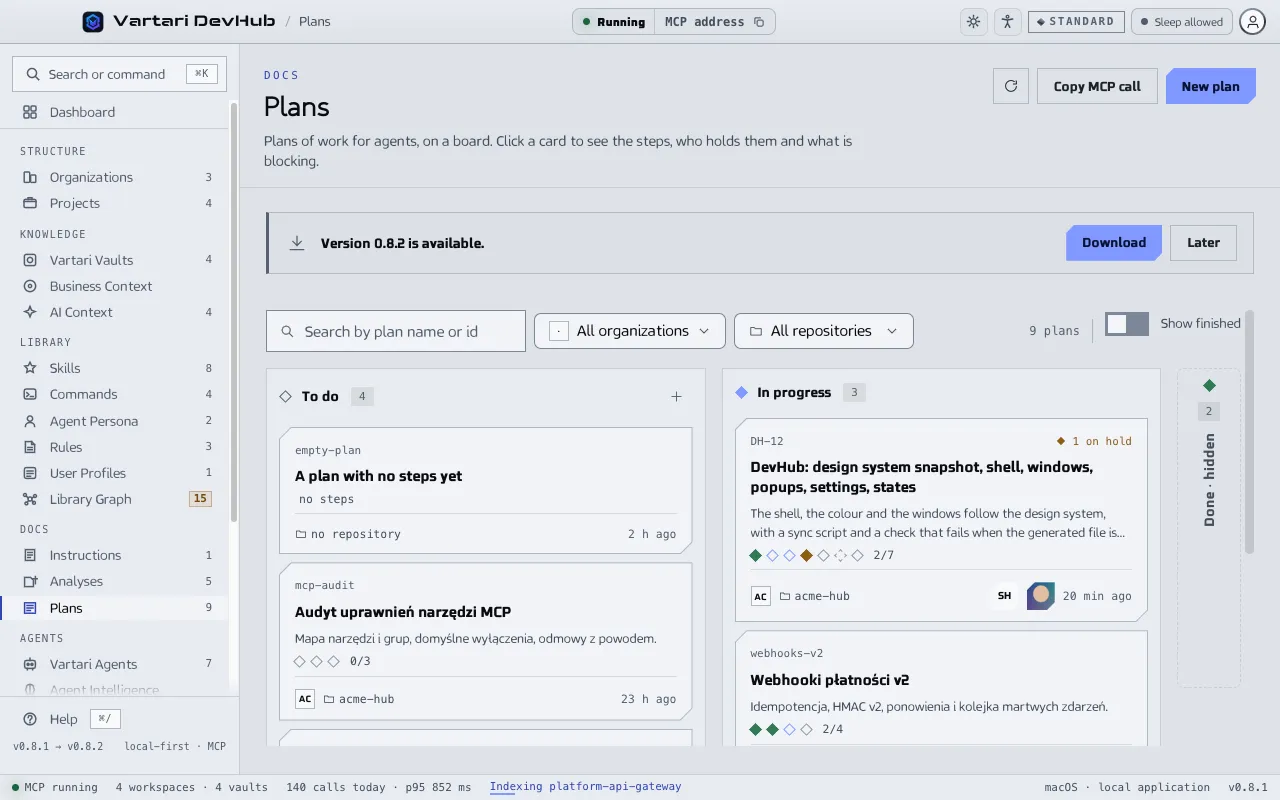
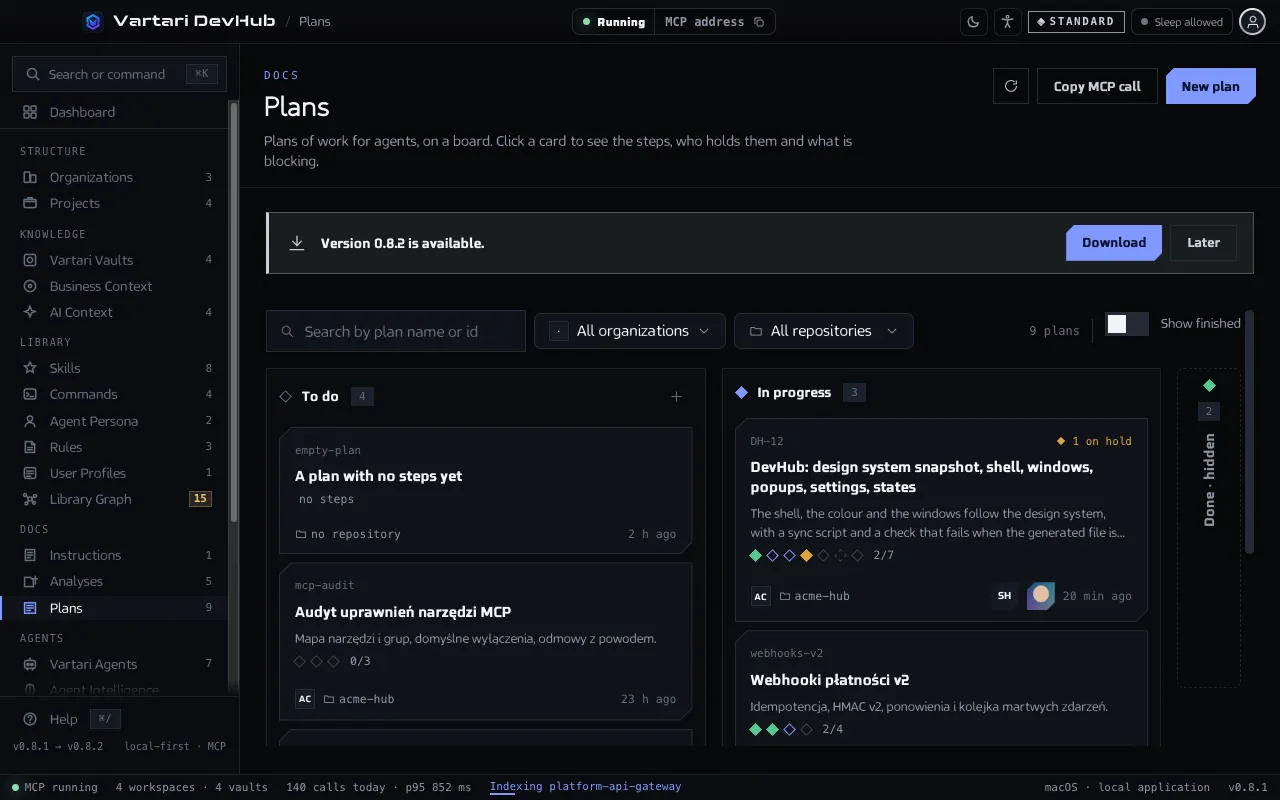
The board
Section titled “The board”Open Plans in the Docs group of the sidebar. Cards stand in three columns: To do, In progress and Done. Search by plan name or id, and filter by organization and repository. Show finished unfolds the done column. A card shows a mark for each step, how many are closed, how many are on hold and who is working.
Click a card to open the plan window. The list on the left shows the steps. For the selected one, three tabs:
- Text: what the step is. An agent writes it when it takes the step.
- Facts: status, after (the gates), touches (the file scope), commits, opened, closed, held by and last session.
- Log: a line an agent writes at the end of every stint, including one that failed, and what should come next.
A step has one of these statuses:
- ready: free for anybody to take;
- working: somebody is holding it;
- on hold: stuck, and the plan waits on it;
- closed: finished, with commits behind it;
- verified: finished, and somebody checked;
- dropped: will not happen, the plan moves on without it.
Closing a step opens whatever was waiting on it.
Add and change steps
Section titled “Add and change steps”- Click New plan on the board, then Add step in the plan window.
- To change a status by hand, use the Step status field. If an agent holds the step, DevHub warns you: changing the status takes the claim away and the agent is not told.
- Release the step takes it back from the agent, with the same warning.
Remove plan deletes the plan with its steps and their history. It cannot be undone, and an agent holding a step is not told.
Check the plan against git
Section titled “Check the plan against git”Check against git compares what the plan claims with the commits of the repository. A commit counts for a step when its message carries a step trailer. The check names:
- steps closed with nothing behind them, which have no commit;
- work nobody counted, commits that name a step that is not closed.
If no commit carries a step trailer, nothing can be checked, and the window says so.
Hand it to an agent
Section titled “Hand it to an agent”An agent works through the tools plan_status, plan_ready, plan_claim, step_log, plan_close and others in the catalog. Copy call copies a plan_status() call, and the queue icon adds the plan to AI Context.